Capture the idea.
Type a question and answer, paste pairs in bulk, or import supported text decks. Preview imported and generated cards before saving.
 MyDekBy Darkwater Strategies
LESS SETUP. MORE LEARNING.
Create a card. Learn it. Come back when it counts. Create and organize cards in your browser, then export them for the MyDek iPhone app. Five-box Leitner review gives practice a rhythm. Your cards stay on your device.
One-time purchase planned. No subscriptions. No ads. Free beta access.
Internal TestFlight testing is active. External TestFlight access is not yet available. This page will carry the invitation after Apple makes it available.
Built for iPhone · iOS 17 or later · No MyDek account
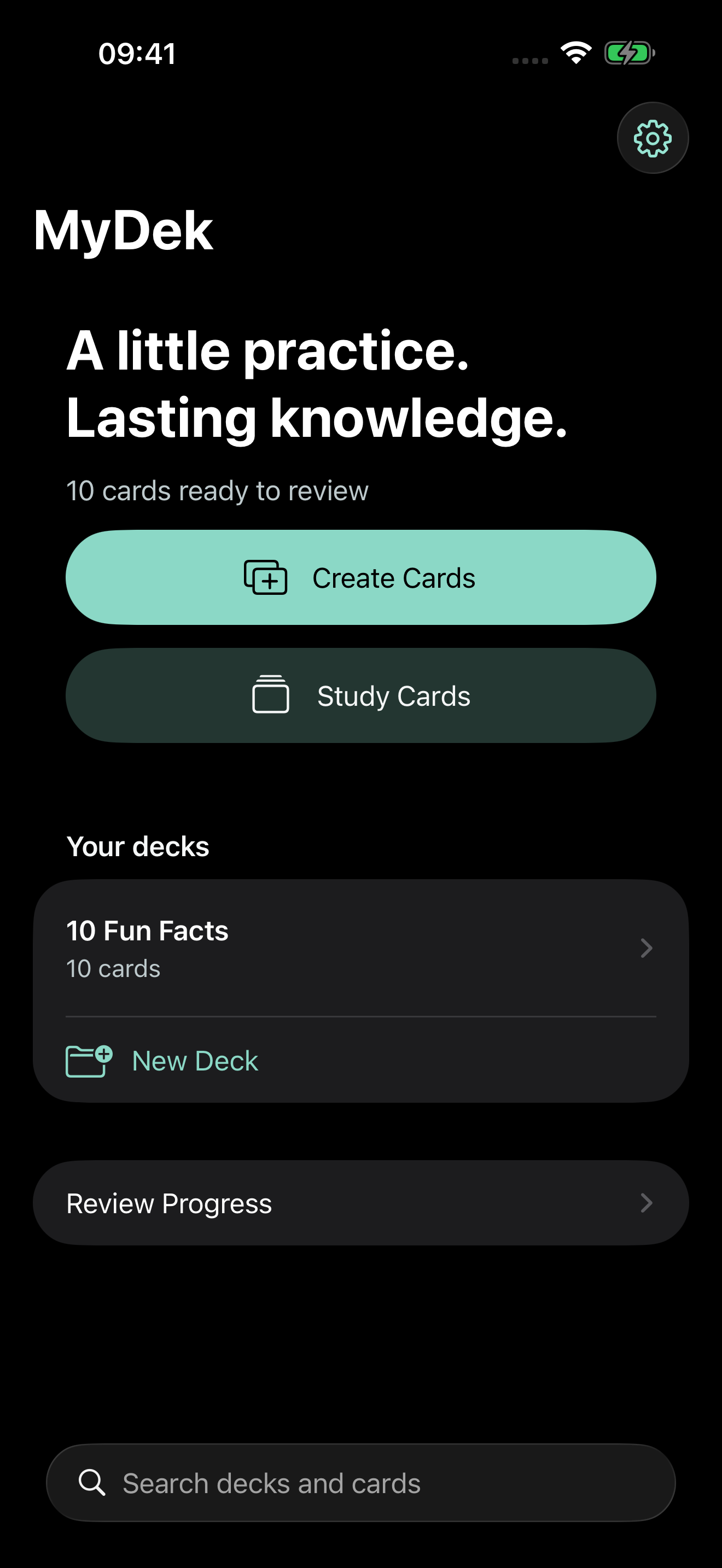
Remember more.
Manage less.
START WITH WHAT YOU WANT TO KNOW
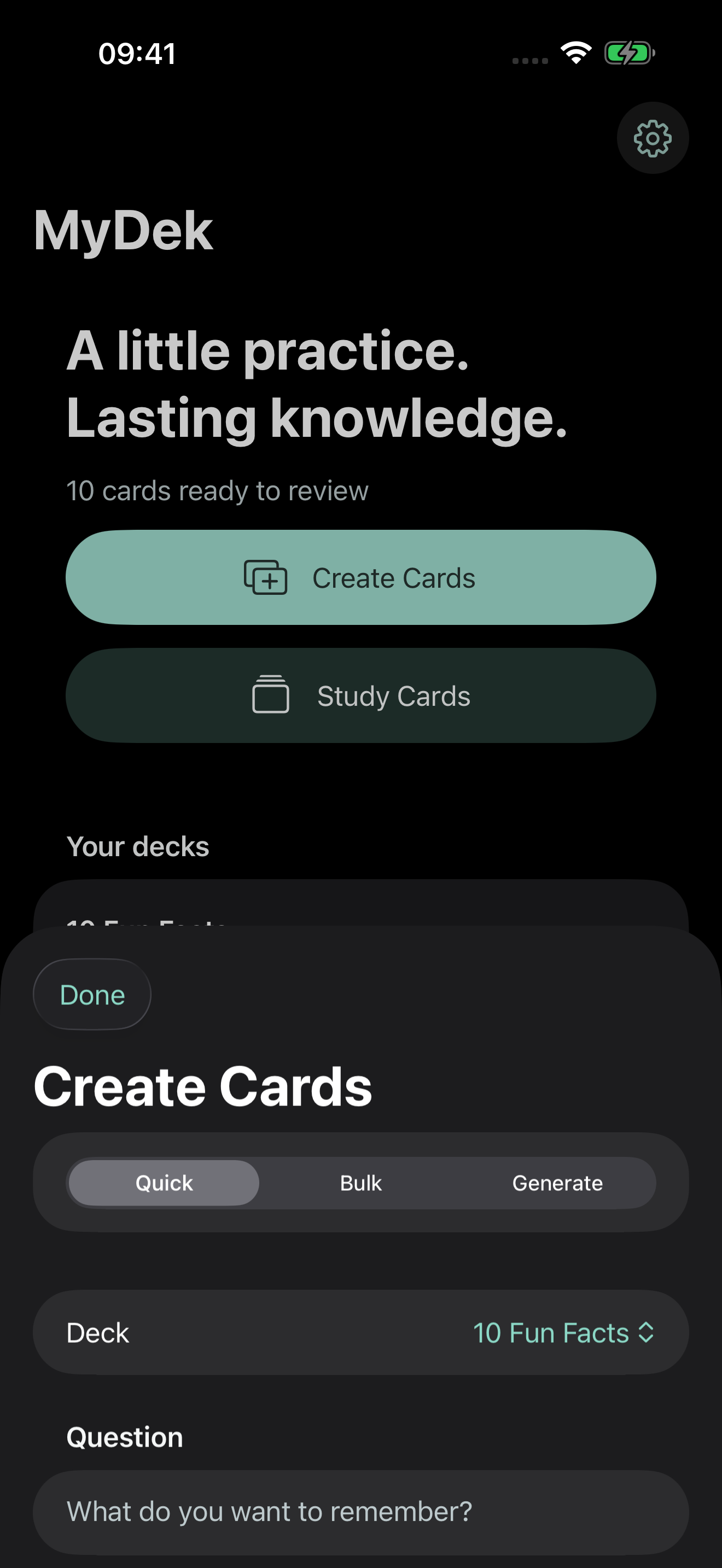
Two clear starting points: Create Cards and Study Cards. No registration or onboarding wizard stands between you and your first card.
Type a question and answer, paste pairs in bulk, or import supported text decks. Preview imported and generated cards before saving.
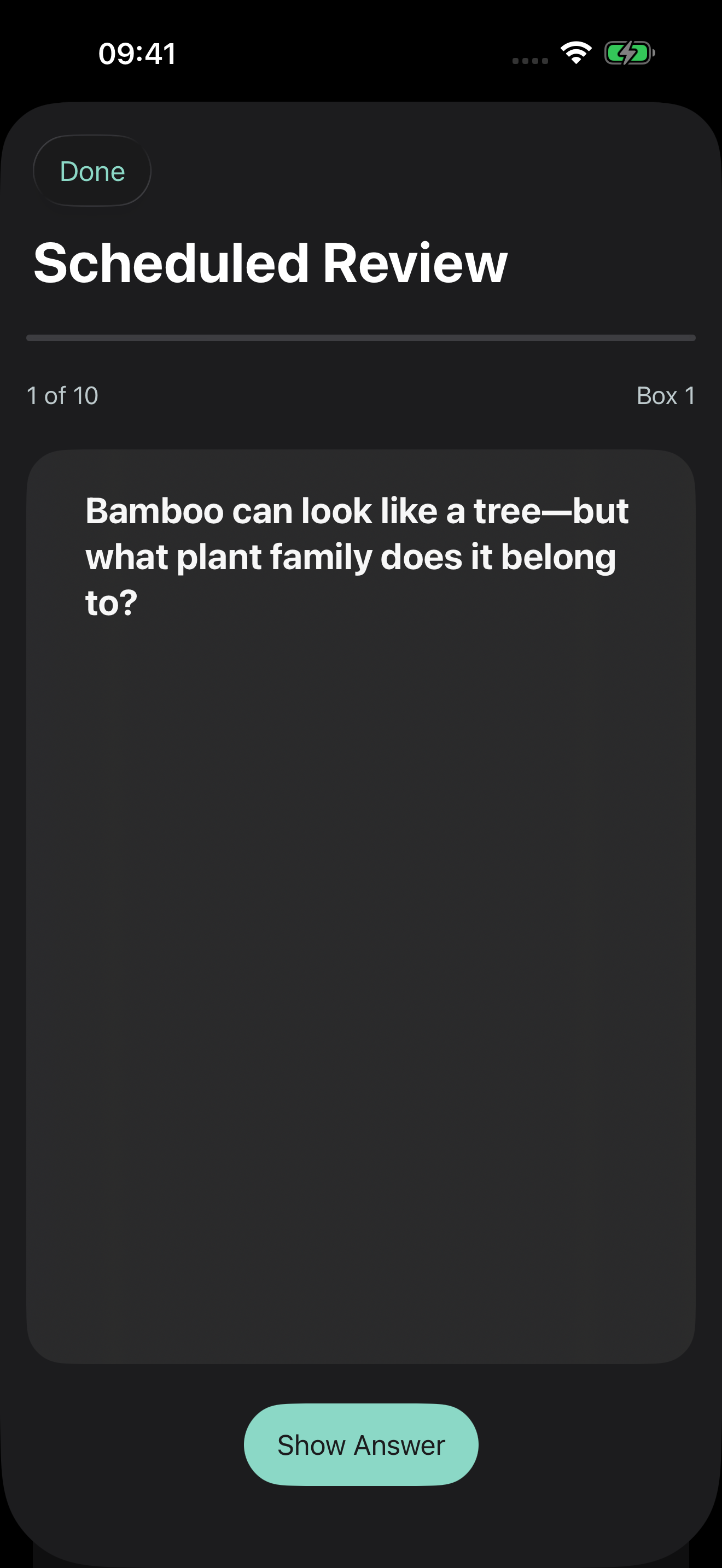
Scheduled Review advances remembered cards through five boxes. A missed answer returns to Box 1 for another day of practice.
Choose Free Study whenever you want. Review any card without changing its box or its next scheduled review.
THE FIVE-BOX LEITNER SYSTEM
New cards are ready immediately. A correct scheduled answer advances one box; an incorrect answer returns to Box 1. The next review is calculated locally from the answer time.
Intervals are customizable. Cards that reach Box 5 remain there after correct answers and return after its interval. Overdue cards wait until you are ready.
ACTUAL PROTOTYPE SCREENS
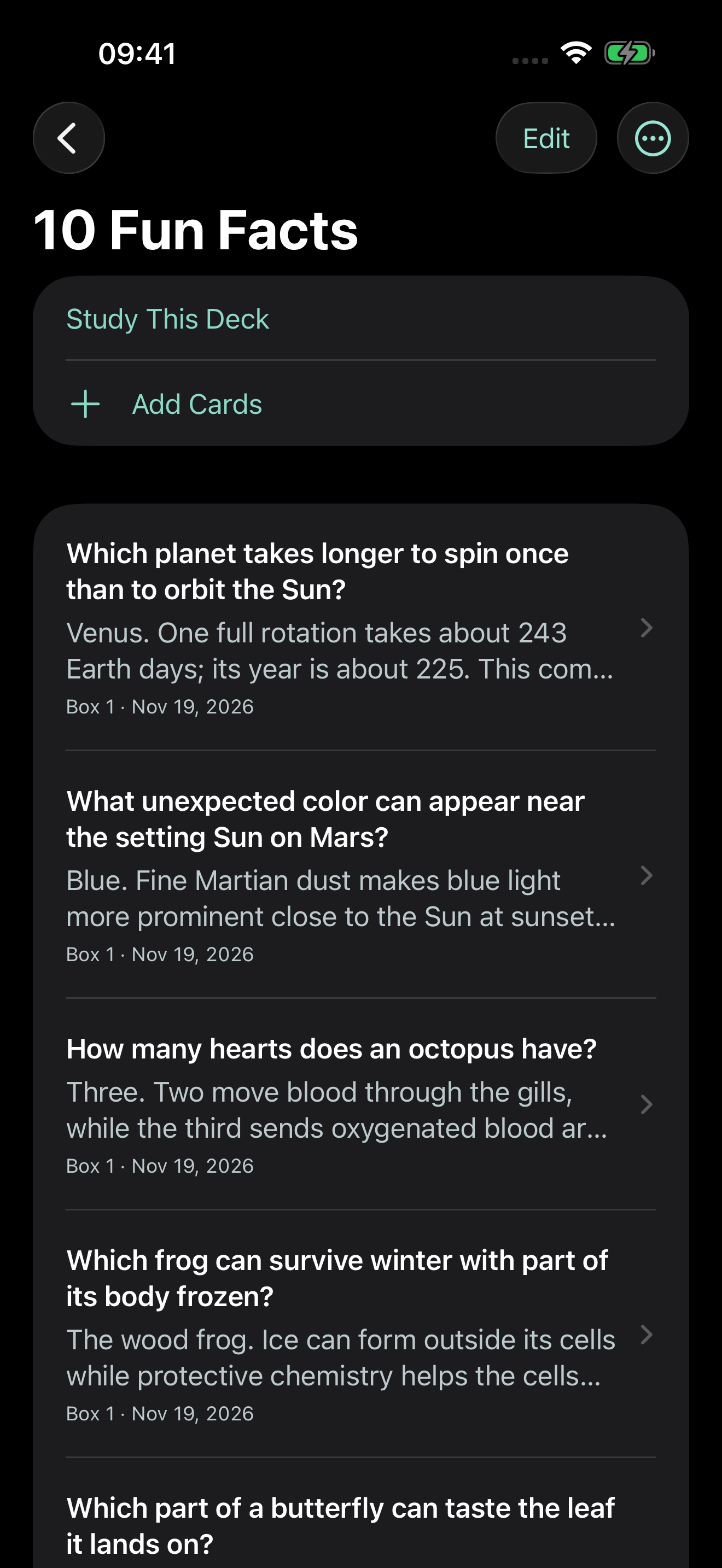
Create, recall and organize with native iPhone controls. Sample cards below are illustrative.
OWN YOUR LEARNING
The planned release model is a one-time purchase for all features, without ads or artificial deck and session limits. The beta is free. The planned US release price is $12.49 once, subject to confirmation before public launch.
A FEW USEFUL ANSWERS
Creation, deck management, scheduled review, Free Study and local import/export work without a MyDek service. iCloud file transfer and opening support links need connectivity. Apple AI availability depends on device settings and model readiness.
Import two-column CSV and TSV, plus compatible legacy Anki .apkg packages with basic two-field text notes. Media, cloze, custom templates and newer compressed Anki collections are not supported in this prototype; use a text export or a compatible older-format export.
External access is not active yet. See the beta page for the actual distribution state and how to express interest.
Help shape a simpler flashcard app.